HardwareFor this job
By the Empty Vapes trade desk. Published 2026-08-21, last updated 2026-08-21. How we write these.
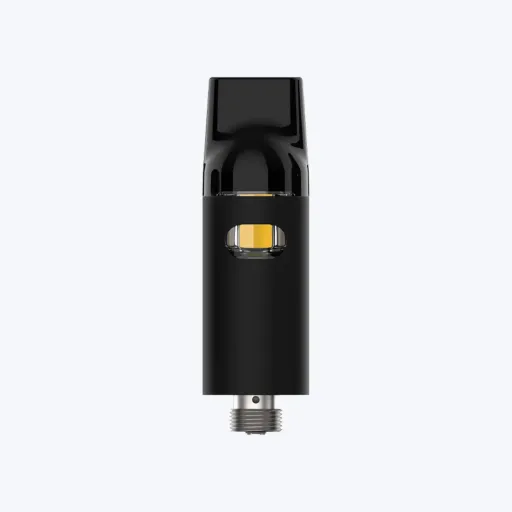
A 510 battery is sold separately from the cartridge it fires, which makes this a different decision from the same one on a disposable. The battery has to work with hardware you did not choose.
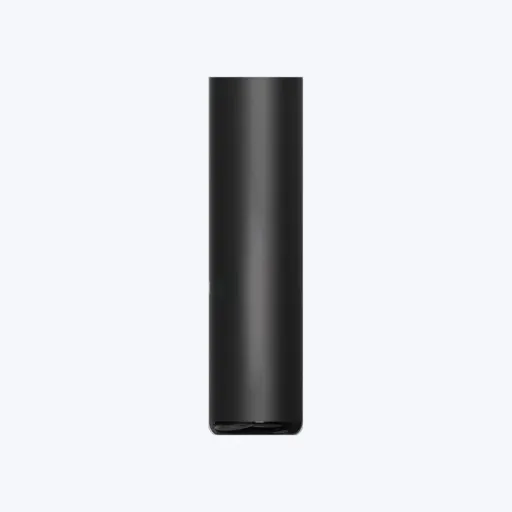
An auto-draw 510 battery has a pressure sensor in its own air channel, below the 510 connector. Air enters through openings near the base or the collar, passes the sensor and goes up into the cartridge intake. When the user draws on the mouthpiece, the pressure at the sensor drops and the board closes the circuit to the coil. There is nothing to press and nothing to switch on.
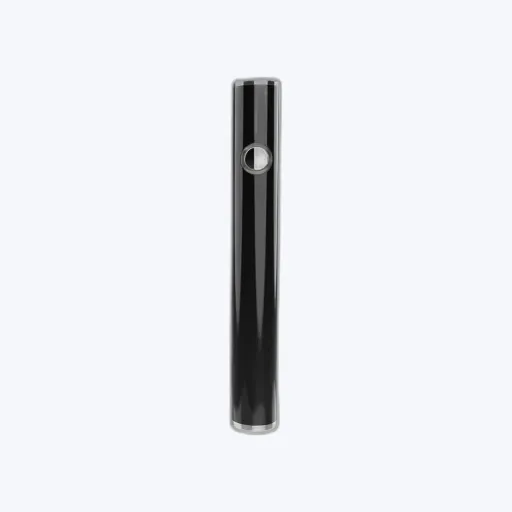
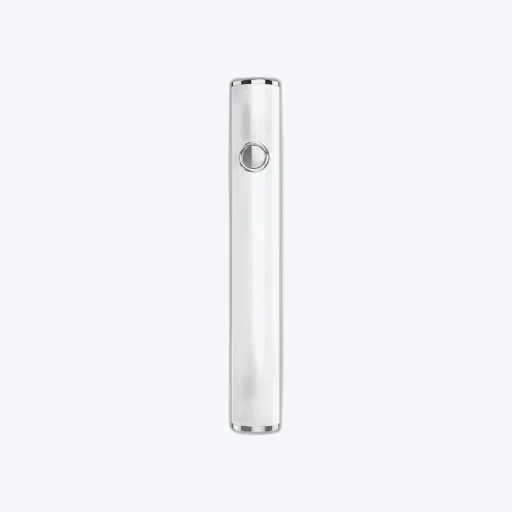
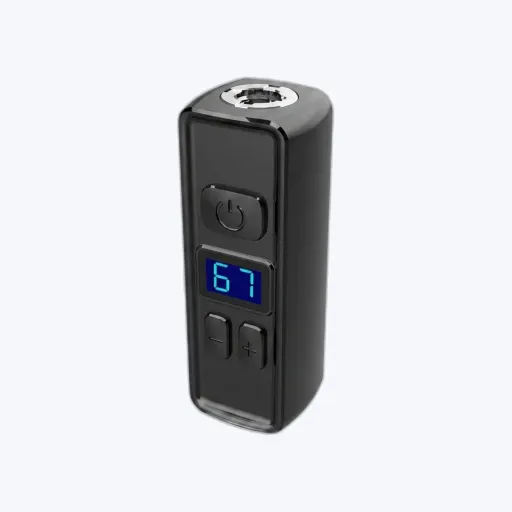
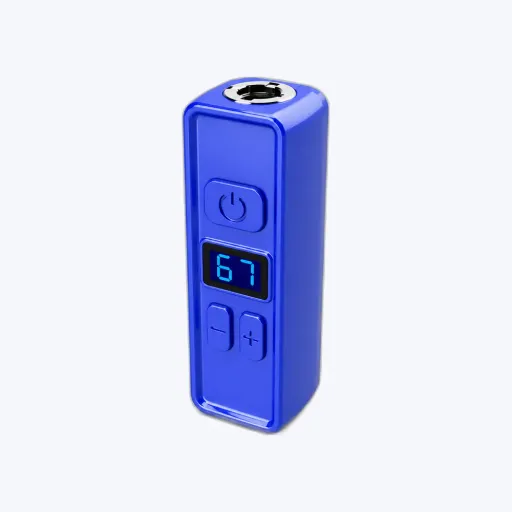
A button battery has a mechanical switch. Press it and the circuit closes, whether or not anyone is drawing on the cartridge. On most 510 batteries that same switch carries the rest of the interface as well: on and off, voltage selection, and a preheat cycle if the board offers one. So you are not only choosing how the coil is fired, you are choosing whether the device has a user interface at all.
| Button | Auto-draw | |
|---|---|---|
| What closes the circuit | A mechanical switch the user presses | A sensor reading the pressure drop of an inhale |
| Fires without an inhale | Yes, which is how you bench test it | No. Air has to move through the device |
| A true off state | Usually, by a click sequence | Only if the board provides a sleep state; there is no switch |
| Voltage selection | Available, through click patterns | Only if fixed at the factory or set by another control |
| Preheat cycle | Available, usually on a separate click count | Only if the board applies it automatically |
| What the user has to learn | The click sequences, and to hold while drawing | Nothing |
| Openings in the housing | The air openings plus one for the switch | The air openings only |
| Effect of a restrictive cartridge | None. It fires the same either way | Less pressure change at the sensor, so it may not fire |
| Effect of a clogged cartridge | Still heats, so the user can often clear it | May not fire at all, and reads as a dead battery |
| Oil or condensate reaching the sensor | Not a failure path; there is no sensor | Sits in the same channel the sensor reads |
| Accidental firing | If the switch is pressed while unlocked | If the sensor threshold is met by something other than an inhale |
| Diagnosing a return | Separates does not fire from fires but no vapour | Most faults present as it does nothing |
| Instruction on the pack | Required, and retail staff have to know it too | None beyond charging |
| Where it fits | Ranges sold across cartridges of varying resistance | Entry lines, and any product that has to work without explanation |
On a disposable, the airflow and the sensor are designed together and never separated. On a 510 battery they are not. You sell the battery, someone else made the cartridge, and the customer pairs them on a counter. The sensor reads a pressure change, and how large that change is depends on the restriction of the entire path, most of which now lives in a part you did not specify.
So a specific cartridge and a specific auto-draw battery can be a poor pair while both work perfectly with other hardware. A narrow intake and a tight core produce a smaller pressure change for the same inhale. If the sensor was set against a more open cartridge, the customer draws, nothing happens, and the battery comes back as faulty. See cartridge intake hole size.
There are two ways to control it. If you sell the battery and the cartridge as a pair under your own brand, test the pair and treat the combination as the product. If you sell the battery on its own, ask which cartridges the sensor threshold was set against, then test it across the range your customers actually buy, including the tightest one you can find.
Clogging makes it worse over time. A cartridge that has cooled or partly blocked is more restrictive than it was when new. A button battery still heats it, and the heat is usually what clears it. An auto-draw battery may simply stop responding, which the customer reads as a dead battery.
Four things, and it is worth being clear that they are features rather than an inherent advantage.
The costs are concrete too. A switch is a moving part in a hole, so it is an ingress path and a cosmetic reject class of its own, and every click sequence has to be printed somewhere the customer will read it. A lock sequence reduces casual activation and it is not a child-resistant feature; that is separate, tested and certified, and is covered in child-resistant certification.
When the product has to work with no explanation at all. There is no sequence to print, no support call from a customer who has locked the device and believes it is broken, and no retail training. It is also the simpler housing: fewer openings, fewer parts on the outside, one less alignment step at assembly.
The trade is that you give up the interface. No off switch, no voltage, no user-selected preheat, and a diagnosis path that collapses several faults into one customer sentence. Accept that trade when the range is fixed and you control the cartridge; be more careful when the battery is a standalone item on a shelf.
Fold the results into your incoming inspection. Battery quality control sets out the wider routine, and the 510 batteries range shows the formats we hold. CE, RoHS, REACH and EU Battery Regulation documentation is available on request and WEEE support is available; the registrations stay with whoever places the finished product on the market. See compliance.
Trade guidance for B2B buyers, not legal advice. Empty hardware only, no cannabinoids and no e-liquid. B2B trade only, 18+ / 21+ per market. The buyer is responsible for the fill, for finished-product compliance and for product registration in their market.
Browse the range in the shop, full specs, trade pricing after a free account, and CE and compliance docs on request.
Browse the catalogueGive us the hardware, the quantity and the market. We reply with a price, a specification and a lead time. A request for a quote is not an order.
Empty hardware only. No cannabinoids and no e-liquid. We sell to companies only.